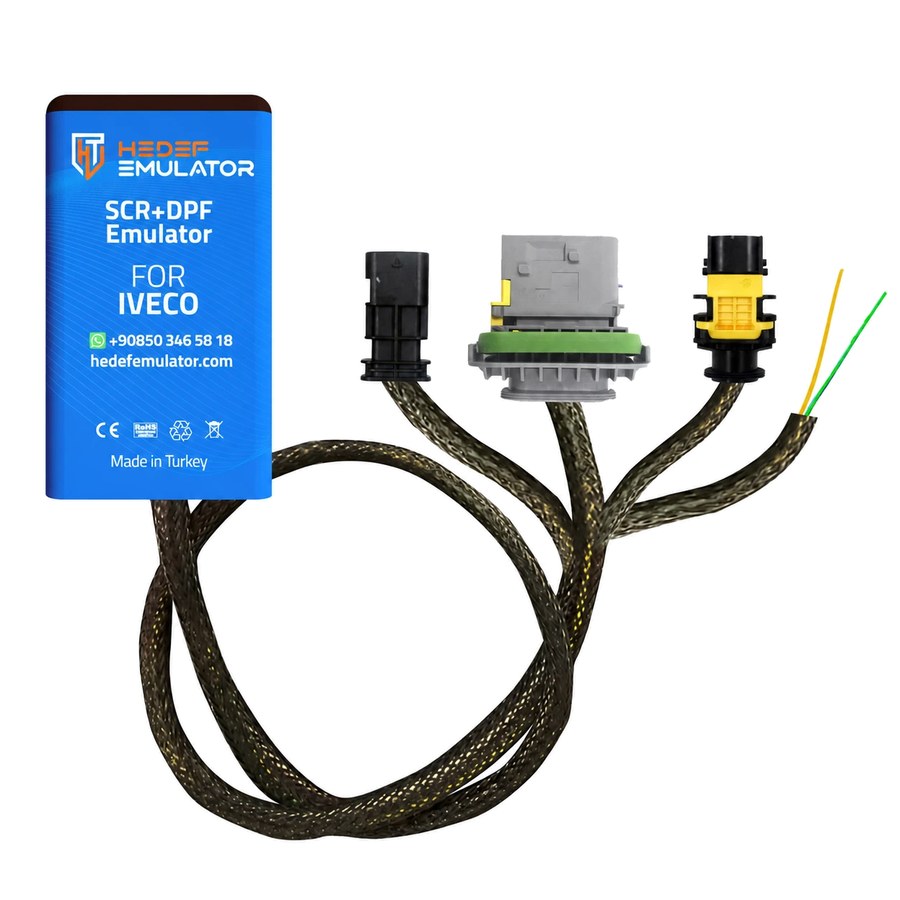
Iveco Eurocargo Euro 6.2 MD1CE101 AdBlue SCR + DPF Removal Emulator
Stops AdBlue, NOx, DPF and PM sensor faults and the torque derate they trigger on Euro 6.2 Iveco trucks with the MD1CE101 ECU. Ships with a photo-illustrated PDF installation guide.
The Iveco Eurocargo spends its working day on short, stop-start runs: supermarket deliveries, municipal work, refrigerated bodies, recovery trucks. On the Euro 6.2 generation the whole aftertreatment line comes as one package, with the DOC, DPF and SCR catalyst sharing a single housing, while the AdBlue (DEF) pump, the level sensor, the outlet NOx sensor, the DPF differential pressure sensor and the PM sensor all report continuously to the MD1CE101 engine ECU. One sensor drifting out of range is enough to light the amber warning lamp; leave it and the driver inducement system steps in, cutting engine torque and, at the later stage, holding the truck to little more than walking pace. The Hedef Emulator Iveco Euro 6.2 MD1CE101 AdBlue (SCR) + DPF emulator generates the values this sensor group is supposed to send the ECU, so the same faults stop coming back week after week.
How Does It Work?
Fitting comes down to two jobs. First, five connectors on the SCR and DPF side are unplugged on the vehicle side: the AdBlue pump, the AdBlue level sensor, the NOx sensor at the exhaust outlet, the DPF differential pressure sensor and the PM sensor. The inlet NOx sensor on the engine side stays connected. Next, the emulator's yellow and green wires are spliced in parallel into the wires running to pins 6 and 5 of the BHC6COM (E) connector on the BHC connector panel. No vehicle wire is cut: a short section of insulation is stripped, the emulator wire is wrapped around it, soldered and taped. With the ignition on, the emulator supplies the information the disconnected pump and sensors would normally provide, so the MD1CE101 sees a working system, logs no fault and never enters a power derate.
Why faults on the Euro 6.2 Eurocargo come in chains
The MD1CE101 does not watch the aftertreatment system as a set of separate parts but as a chain in which each reading confirms the next. The outlet NOx sensor measures how efficiently the SCR is working; the level sensor reports how much AdBlue is in the tank and how warm it is; pump pressure confirms that dosing is actually happening. On the DPF side, the differential pressure sensor tracks how loaded the filter is, while the PM sensor checks whether any particulate is slipping through. When one of these values leaves its expected range, the ECU flags not just that part but the whole system it belongs to.
The way a Eurocargo is used puts that chain under constant strain. In city distribution the exhaust rarely gets hot enough for passive regeneration, so differential pressure climbs as the filter loads up. In winter, AdBlue crystallises at the dosing valve tip and in the lines, and the pump can no longer build the pressure it should. A contaminated or ageing NOx sensor starts giving false readings. The result is the same fault codes returning at short intervals and sensors that get removed and refitted again and again.
Will it fit your truck? Checks before you order
The emulator is built for Euro 6.2 Iveco trucks from 2019 onwards that run the MD1CE101 engine ECU. Its main application is the Eurocargo, and it can also be used on S-Way, X-Way and T-Way models with the same ECU and sensor layout. Before ordering, it is enough to check the following:
- The ECU label, or the ECU information shown on a diagnostic tool, should read MD1CE101.
- There should be a PM (particulate matter) sensor at the exhaust outlet; configurations fitted with an NH3 sensor are not covered by this product.
- The truck should be Euro 6.2 and built in 2019 or later.
- If you are not sure, send your chassis number (VIN) to our WhatsApp line and we will confirm compatibility with you before you order.
Installation at a glance: three steps
The PDF installation guide, available on this page in English, walks through every step with photos taken on the truck and a wiring diagram. In short:
- Unplug the connectors: the AdBlue pump, AdBlue level sensor, outlet NOx sensor, DPF differential pressure sensor and PM sensor connectors are unplugged on the vehicle side, and their ends are taped against water and dirt and secured with cable ties.
- Connect the emulator: locate the 6th connector in the top row of the BHC connector panel (the yellow BHC6COM (E) housing); solder the emulator's yellow wire to the white wire on pin 6 and its green wire to the yellow wire on pin 5, then insulate both splices.
- Check: switch on the ignition and start the engine, then confirm there is no AdBlue/emission warning on the instrument cluster and no active code in the ECM fault list. Clear old stored codes with a diagnostic tool and finish with a short test drive.
The most common fitting mistakes
Most of the warnings in the guide come straight from situations we have run into in the field:
- The wire colours do not match. The emulator's yellow wire goes to the vehicle's white wire (pin 6) and its green wire goes to the vehicle's yellow wire (pin 5); joining yellow to yellow is the most frequent error.
- There is also a yellow connector in the bottom row of the BHC panel. The right one is the 6th connector in the top row.
- If one of the five connectors is left plugged in, the fault for that sensor stays. If a warning remains after fitting, this is the first place to look.
- Only the NOx sensor at the exhaust outlet is disconnected; the inlet NOx sensor on the engine side must stay plugged in.
- A loose solder joint causes warnings that come and go. Wrap the splices tightly, solder them, tape them and secure the wiring.
Reversibility, support and warranty
Because no wire on the truck is cut and the unplugged connectors are protected and secured, the system can be put back to factory state whenever needed: remove the emulator splices, repair the insulation and plug the five connectors back in. If you get stuck at any point during fitting, send a photo to our 24/7 WhatsApp support line and we will help. The emulator comes with a 2-year warranty, and shipping is free worldwide.
Frequently Asked Questions
How do I know my truck has the MD1CE101 ECU?
The label on the engine ECU carries the MD1CE101 marking, and it also appears in the ECU identification when you connect a diagnostic tool. If you cannot find it, send your chassis number to our WhatsApp line and we will check before you order.
Does the installation require soldering?
Yes. The emulator does not plug into a ready-made socket; it is spliced in parallel into two wires at the BHC6COM (E) connector. No vehicle wire is cut — a short section of insulation is stripped, the emulator wire is wrapped around it, soldered and taped. That is why we recommend having it fitted by a technician experienced in vehicle electrics.
Do I need to disconnect the inlet NOx sensor as well?
No. Only the connector of the NOx sensor at the exhaust outlet is unplugged. The inlet NOx sensor on the engine side stays connected; the system diagram in the guide marks which sensor stays in place.
What should I do if a warning is still on after fitting?
First check that all five connectors are unplugged, then check the wire pairing: the yellow wire must go to the white wire on pin 6 and the green wire to the yellow wire on pin 5. Some warnings stay on screen until old fault records are cleared with a diagnostic tool. If the problem persists, send a photo of the splices to our WhatsApp support line.
Where can I download the installation guide?
The English PDF guide can be downloaded free of charge from the Installation Guide section on this page. It contains the photo-illustrated steps, the wiring diagram, a checklist and a troubleshooting table.
Will the truck go back to standard if the emulator is removed?
Yes. Since no wires are cut and the unplugged connectors are kept intact, you remove the emulator splices, repair the insulation and plug the five connectors back in to return to the factory wiring.
What are the warranty and shipping terms?
The emulator has a 2-year warranty, and shipping is free to Türkiye and worldwide.
Is it legal to use this emulator?
Rules on emission control systems vary by country and by type of use. The product is designed for off-road use, testing and service purposes, or for use in regions where regulations permit it. Ensuring compliance with local laws is the user's responsibility.
Supported Models
This emulator is compatible with the following models that share the same ECU platform:
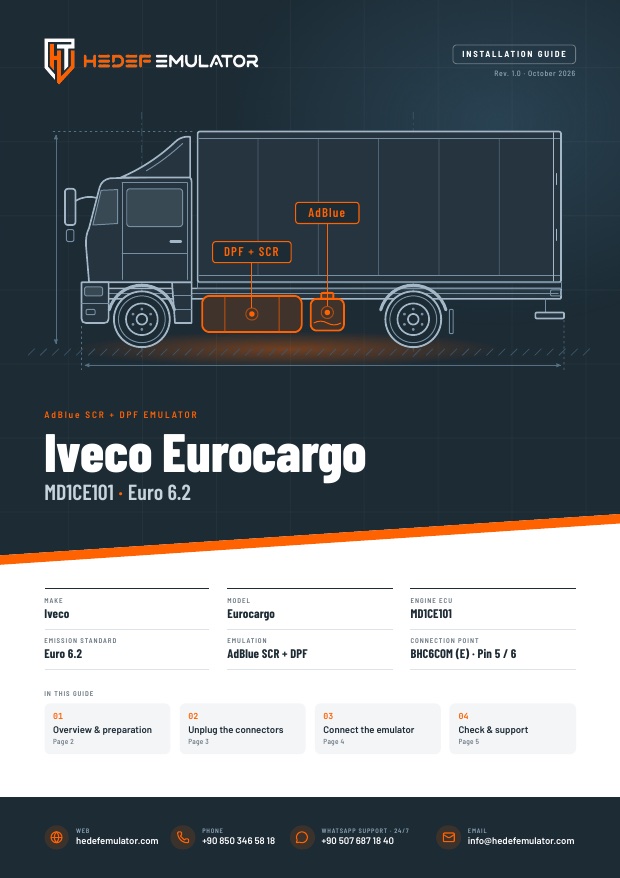
Installation Guide
A photo-illustrated guide written for the technician doing the fitting: which connectors to unplug, the wiring diagram and the post-install checks, all in one file.
- Photo-illustrated, step-by-step fitting
- Wiring diagram and pin table
- Checklist and troubleshooting table